statekit
17.10.2026 • 3 dakikalık okuma
I started this because every other state manager felt off to me. I wanted events to be plain function calls, async to be easy, a store instance to work in different frameworks simultaneously, and data you can just read. That was around 2022.
import { createMachine } from "@statekit/core"

const importMachine = createMachine({
   states: ["idle", "importing", "ready", "failed"],
   data: { rows: [] as string[] },
   events: {
      importFile: async (
         { draft, setState, S },
         file: File
      ) => {
         setState(S.importing)
         try {
            const text = await file.text()
            draft.rows = text.split("\n")
            setState(S.ready)
         } catch (error) {
            setState(S.failed)
            throw error
         }
      },
   },
})
Here it runs in the Importer component further down. Import a file and see
what the component shows at each step:
Loading demo…
In React, the same machine gets a hook. A component rerenders on what it reads and nothing else, with no selectors to write:
import { createMachineContext } from "@statekit/react"

const [useImportMachine] =
   createMachineContext(importMachine)

const Importer = () => {
   const m = useImportMachine()

   if (m.state === m.STATE.importing)
      return <p>Importing…</p>

   return (
      <>
         <input
            type="file"
            onChange={(e) =>
               m.event.importFile(e.target.files![0])
            }
         />
         {m.state === m.STATE.failed && (
            <p>Couldn't read that file.</p>
         )}
         {m.state === m.STATE.ready && (
            <ul>
               {m.data.rows.slice(0, 3).map((row, i) => (
                  <li key={i}>{row}</li>
               ))}
               {m.data.rows.length > 3 && <li>…</li>}
            </ul>
         )}
      </>
   )
}
Below, a feed outside React updates a portfolio machine. Each cell reads its own price and shares, and flashes green or red when it rerenders:
Loading demo…
What's different
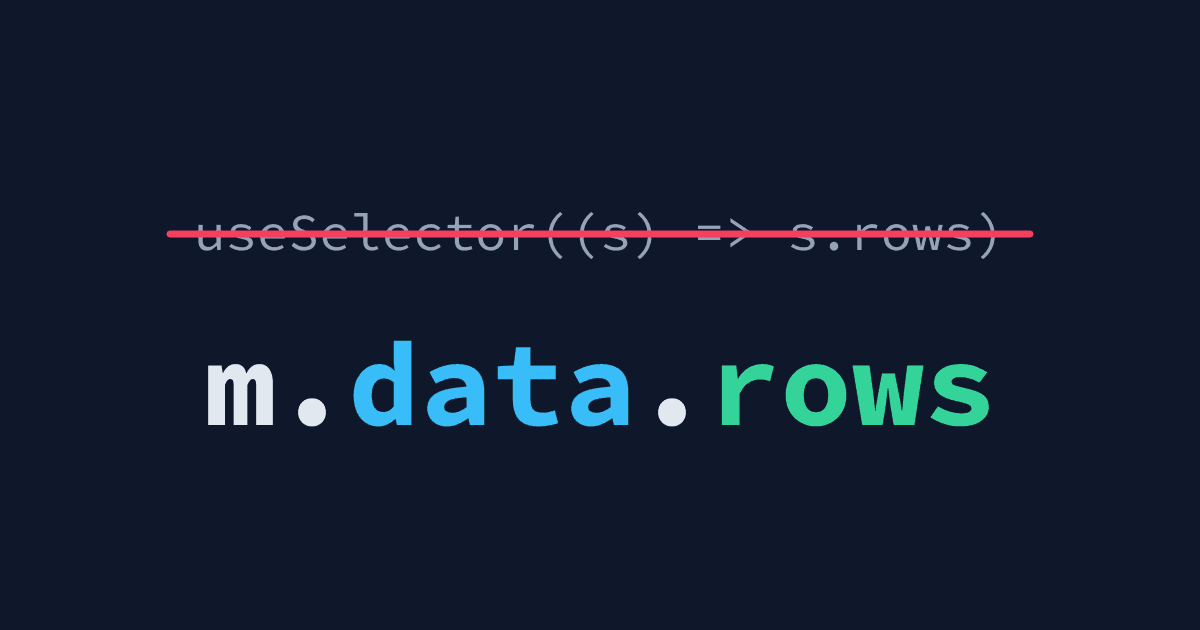
- No selector hooks. A component reads
m.data.rowsand rerenders whenrowschanges, with nothing else to write. - Events are functions. Sync or
async, they get a draft and your arguments. An async one publishes before its firstawaitand when it settles. - Isolated. The data, events and states of one thing live in one object, and that object doesn't get registered in a store.
- Easy to test. Call the event, then read the data. Nothing has to render.
- Easy to share. Export the machine. Whatever imports it can read it, call it or subscribe to it, in React or not.
- Extensible. Decorations add events and selectors to any config. The
TanStack Query one puts a query behind
m.data.
Outside React, the same machine:
await importMachine.event.importFile(
   new File(["a,b", "\n", "c,d"], "pairs.csv")
)
expect(importMachine.data.rows).toEqual(["a,b", "c,d"])

dropZone.ondrop = (e) =>
   importMachine.event.importFile(e.dataTransfer!.files[0])
The packages
| Package | What it does | |
|---|---|---|
@statekit/core | Runs machines: data, events, states, selectors, subscriptions. | Read |
@statekit/react | A hook per machine, with rerenders limited to what a component reads. | Read |
@statekit/decorations | Config wrappers that add events and selectors to machines. | Read |
@statekit/decoration-tanstack-query | Writes a TanStack Query's data, loading state and error into a machine. | Read |
@statekit/eslint-plugin | Two rules for mistakes the type checker can't see. | Read |
@statekit/connector is
the read tracking the React package is built on, for writing adapters to other
view libraries.
Status
statekit is a work in progress on -dev releases, and the API has changed
before.
This site uses it: the random number on the home page is a machine.
Where to start
Installation, then your first machine. If you know the core already, rerenders has a demo of what the React hook does.
#javascript, #npm, #react, #readme, #typescript, #web-development